Instagram DM Templates
Last updated: September 23, 2026
You can create and reuse personalized Instagram messages across Superfiliate.
Templates can be used from Communications, Automations, Creator Discovery, and Request Content Rights.
How to use a template
In Communications > Direct Message:
Open the creator conversation.
Select Templates.
Choose the template you want to use.
Review the message and select Use this template.
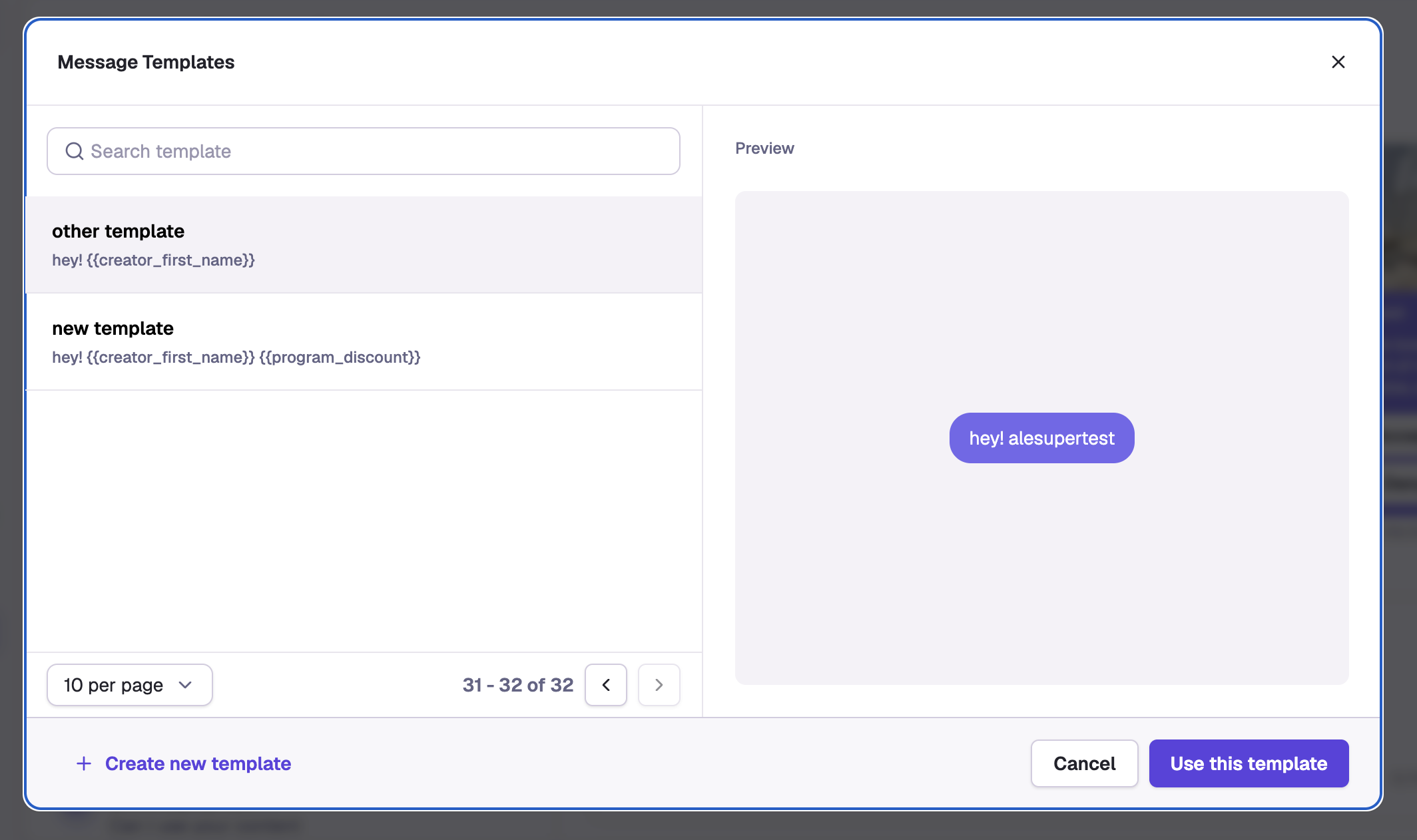
Create and manage templates
From the template library, you can:
Create, search, edit, duplicate, and delete templates
Add variables to personalize messages automatically
Variables can include details such as:
Instagram profile name
Instagram handle
Wallet balance
Instagram authentication link
Templates help make creator outreach faster and more consistent across individual, bulk, and automated messages.