SuperBrief: Overview and Step-by-Step Guide
Last updated: October 9, 2026
What it is: SuperBrief centralizes all creator campaign management inside the Superfiliate app — from briefing to deliverables — with per-creator personalization and built-in approval and feedback flows.
Who it's for: Marketing or creator-partnership teams that currently manage influencer campaigns through multiple tools or spreadsheets and want a unified, efficient workflow for creative or upfront payment campaigns.
Key Benefits
Manage creative and upfront payment campaigns in one place.
Personalize briefs and actions for each creator while keeping campaign-wide visibility.
Reduce manual back-and-forth by handling uploads, approvals, and feedback directly within SuperBrief.
Location and Permissions
Where it appears: Under Campaign Management → SuperBrief.
Permissions:
Merchants can create and manage briefs, actions, and approvals.
Creators see only their assigned version (global or personalized) and complete the required actions.
Available Actions in SuperBrief
Actions are modular blocks that make up your brief:
Info Collection: Gather information from creators through customizable fields.
Social Media Confirmation: Verify creators' social accounts (e.g., Instagram Business, TikTok, YouTube).
Gifting: Connect creators to an existing seeding/gifting campaign in Superfiliate.
Deliverables: Define the required content types (stories, posts, reels, etc.) and review uploads directly within SuperBrief.
Links & Codes: Give the brief its own referral code and redirect link so you can track and reward the sales it drives — or reuse the creator's existing program code. You can also run the brief with no code at all when you only need link tracking.
Meta Partnership Ads: Request partnership ad permissions (available for merchants with the Meta Plan).
Requirements & Dependencies
Gifting requires the Shopify Plan (gift campaign selection available for Shopify stores).
Meta Partnership Ads requires the Meta Plan.
Step-by-Step: How to Create and Run a Brief
1) Create a New Brief
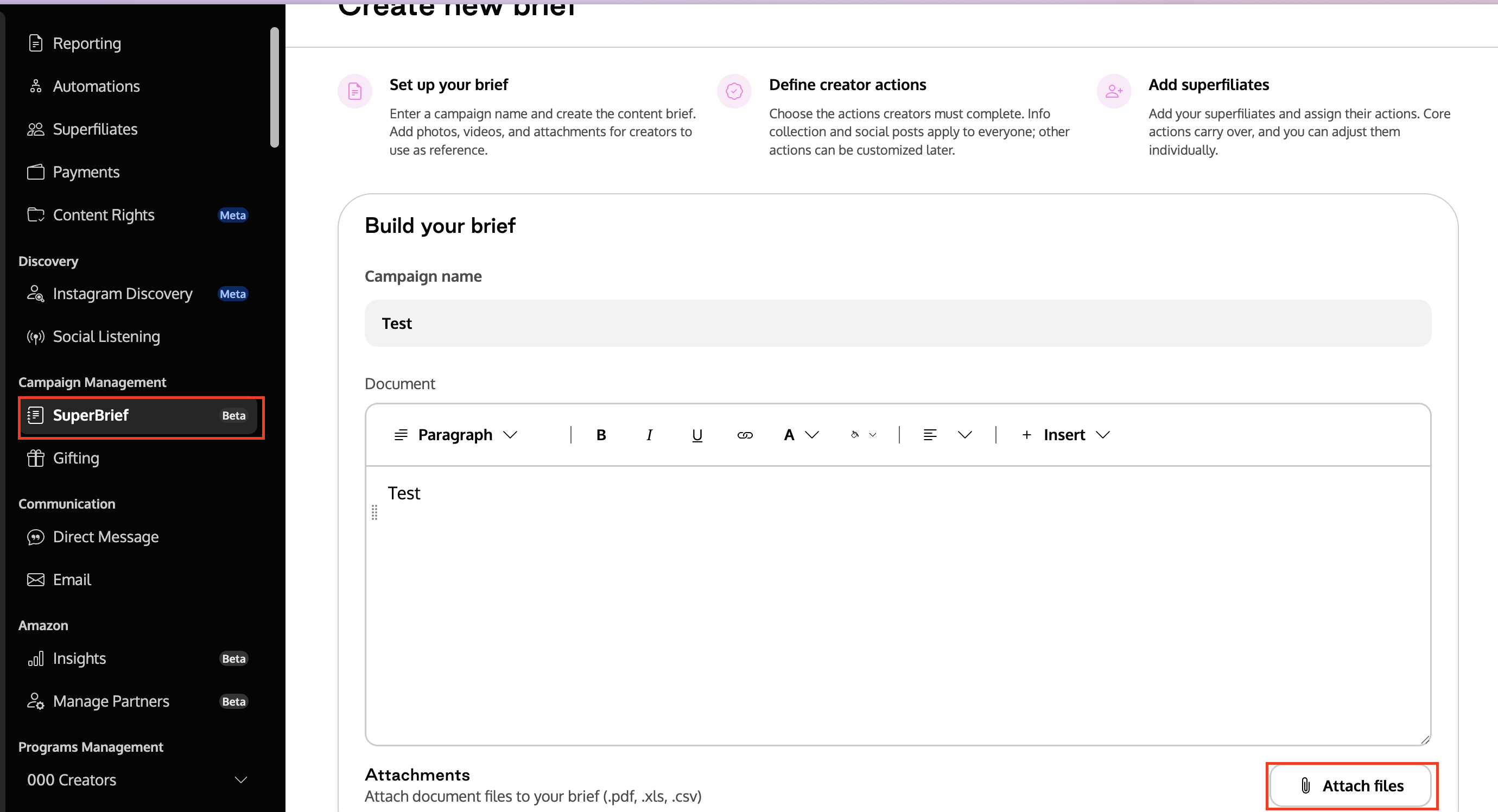
Go to Campaign Management → SuperBrief → New Brief.
Name your campaign and write the main brief document with objectives, timelines, and key instructions.
Attach supporting files (brand guides, content examples, visual references, etc.).
2) Add and Configure Actions
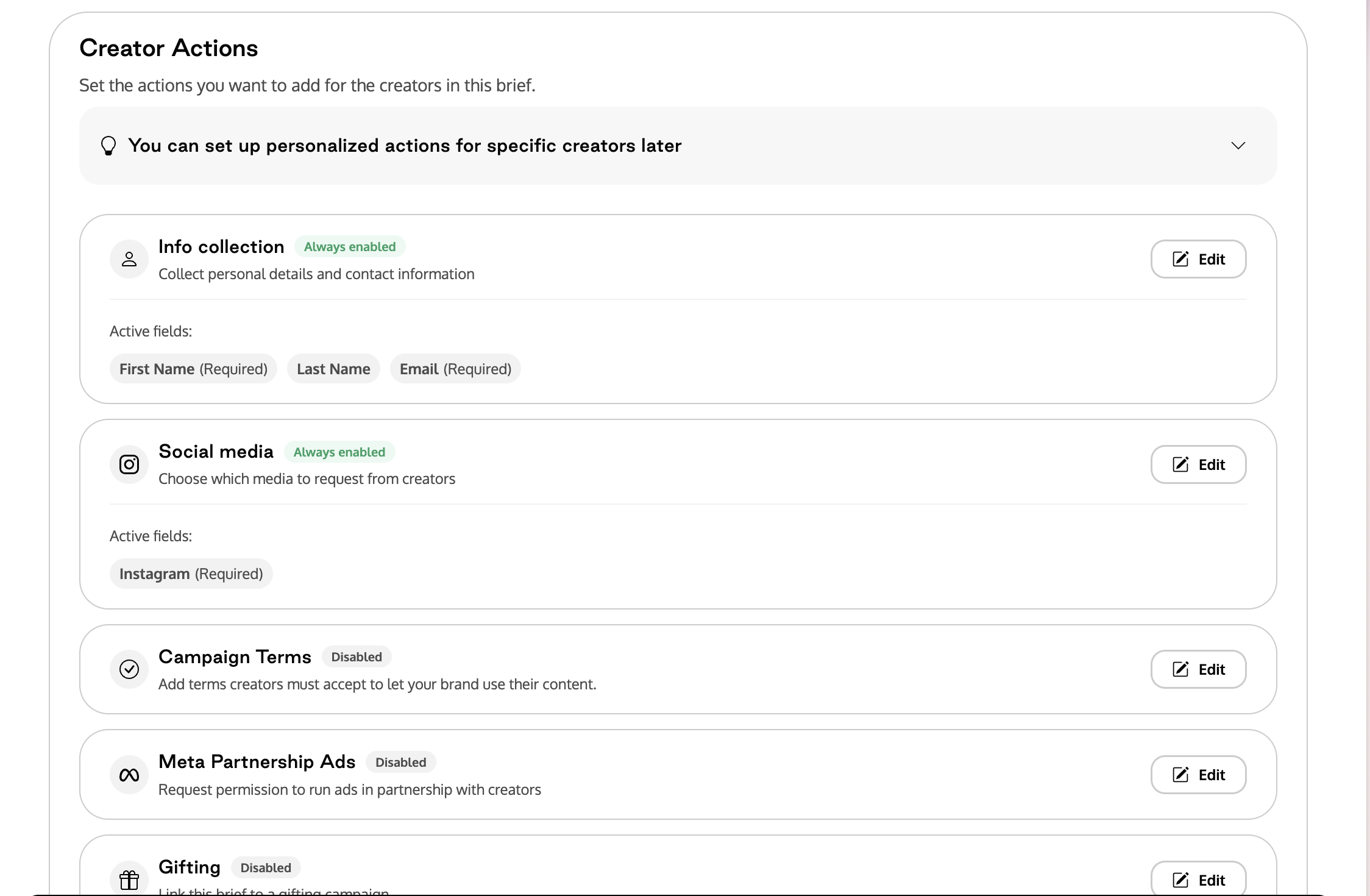
Select and customize one or more actions:
Info Collection: Add fields (name, email, etc.).
Social Media Confirmation: Request the Instagram handle for account verification or permissions.
Campaign Terms: Write or upload your campaign terms. Once creators accept, your brand can use their content across marketing channels.
Links & Codes: Choose whether the brief uses the creator's existing program code or its own brief-specific code, set the redirect destination, and — if you've enabled it in Code Setup — let creators suggest their own code. Turn the action off entirely if the brief doesn't need a link or code.
Meta Partnership Ads (Meta Plan): Enable or customize ad partnership requirements.
Gifting (Shopify): Choose a pre-existing gifting campaign within Superfiliate.
Deliverables: Create deliverable groups (e.g., "Pre-Launch," "Launch") and add content types (stories, reels, posts). Mark each action as mandatory or optional. You can also set the deliverables to be reviewed by your team.
3) Add Creators
Click Add Superfiliates and select from your Superfiliate list.
Use filters (programs, tags, etc.) to locate participants.
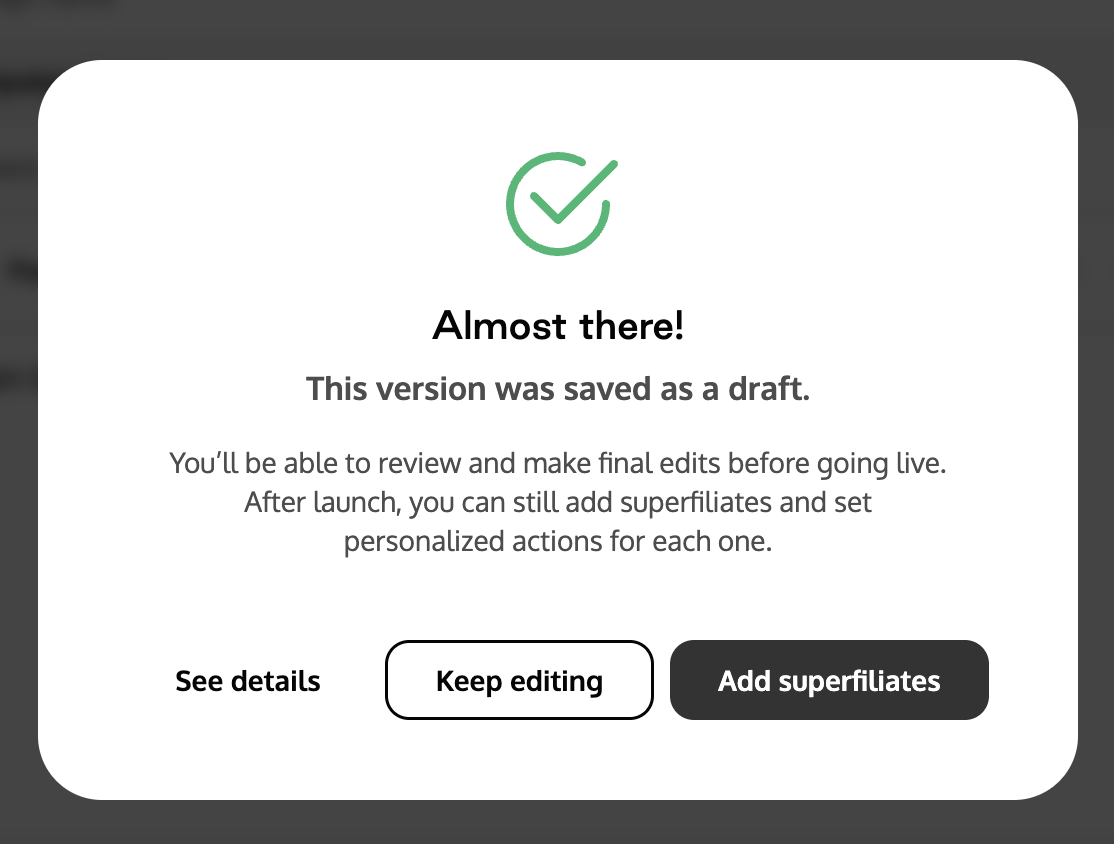
Add them to the brief. It will remain in Draft status until finalized.
4) Personalize per Creator (Optional but Recommended)
Select a creator and click Personalize Brief.
Edit the document and/or actions (e.g., change gifting campaign or add specific deliverables).
Save.
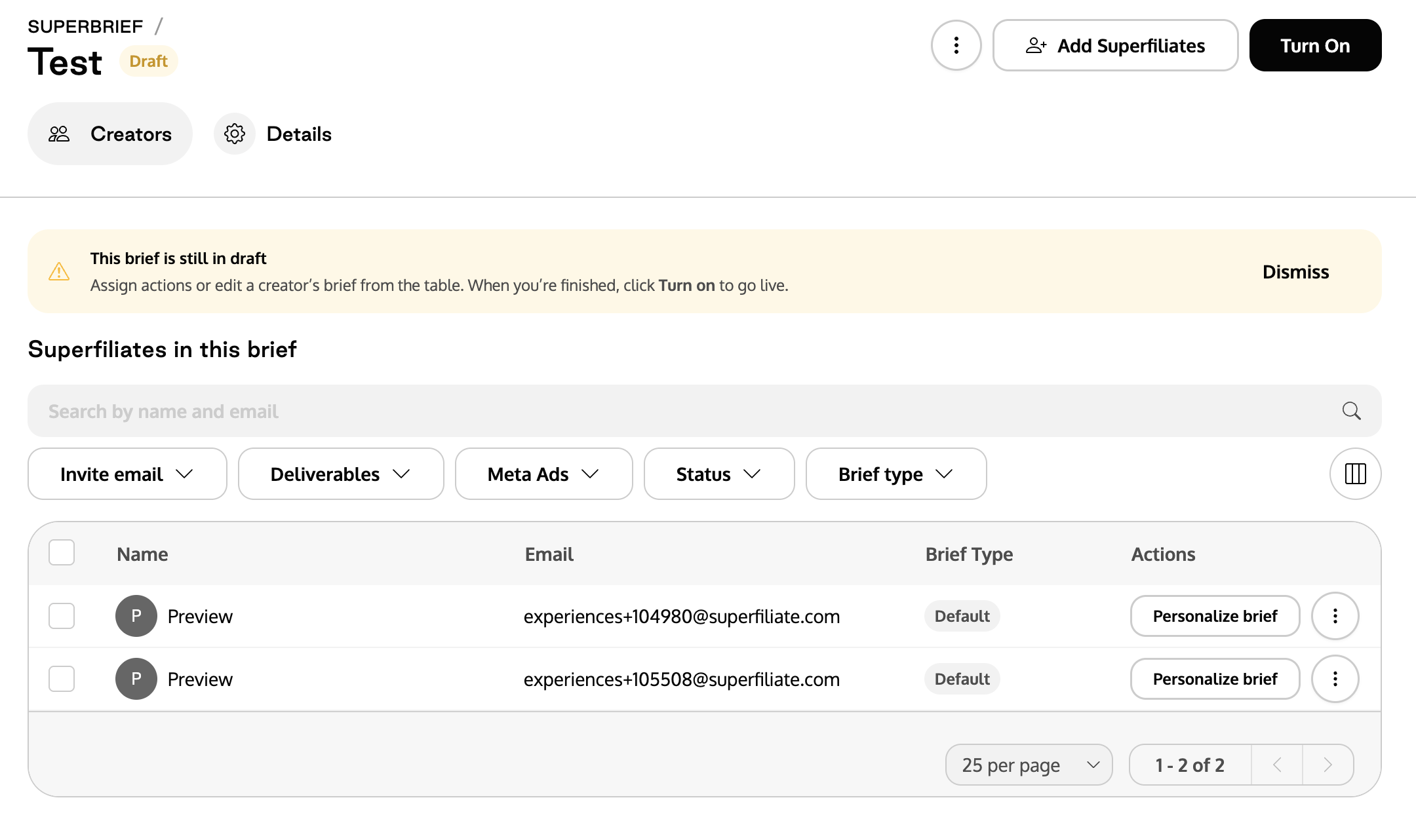
Important: Once personalized, the creator sees only their customized version, which replaces the global one.
5) Send the Brief to Creators
Enable automatic email notifications under Send to creators.
Each creator receives a link to their creator view (brief document + action list).
6) Creator Experience
Reads the main brief and attached files.
Completes each assigned action (submits data, confirms socials, joins gifting, uploads deliverables, etc.).
Finds their brief code and link under Links & Codes when the brief includes them.
Each upload is linked to the deliverable group defined by the merchant.
7) Review, Approve, and Track Progress
On the Summary/Status table, view each creator's progress (completed, pending, under review).
In Deliverables, open, download, approve, or request adjustments with comments.
Track Gifting and Meta Partnership Ads statuses when applicable.
Links & Codes in a SuperBrief
A SuperBrief can carry its own links and codes, so you can track and reward the sales the brief drives separately from a creator's other activity.
Program code or brief code. Choose whether each creator uses their existing program code (and its redirect links) or a brief-specific code created just for this campaign.
Redirect destination. Set where the brief's links send shoppers.
Code format. Any prefix or suffix from Code Setup is applied, codes are shown in uppercase, and — if you turn it on — creators can suggest their own code with a live preview. See How to configure Link & Code Setup.
Performance. The brief's links and codes have their own performance data, so you can see what the brief drove on its own.
Creators see their brief code and link inside their brief view, and alongside their other sources on their Link & Code page.
FAQ
Can I edit a brief after sending it?
Yes. Updates apply to either the global or personalized version, depending on where edits are made.Does the brief have its own code?
It can. In the Links & Codes action, choose a brief-specific code to track the brief on its own, reuse the creator's program code, or turn links and codes off entirely.The creator didn't receive the email. What should I do?
Check if the brief is activated and resend. Also verify the creator's contact email.An action isn't appearing for a creator. Why?
Ensure it's marked as mandatory and that personalization didn't override the global setup.The gifting campaign isn't showing up.
Confirm the shop is Shopify and the gifting campaign exists and is active in Superfiliate.