Instagram DMs
Last updated: February 21, 2025
In order to utilize Superfiliate's Instagram DM functionality, you'll need to first integrate your Instagram within Settings>Integrations>Social. For more information and to watch a video on this process, click here.
Currently you can only DM Creators where a conversation with you already exists via direct messages, which is why it's a great way to engage people mentioning your brand, as that will have already "opened the door" for you to continue the conversation with the mention.
Meta has recently updated its policies to enhance user experience and reduce unwanted messages from third-party apps. These changes impact how some features in our platform work. Here’s an overview:
24-Hour Messaging Window: Merchants can send automated messages to creators within a 24-hour window after the creator sends/reacts to a message or visits/comments on a post on your page.
Drip Communications in Automations: You can still use drip messaging, but it’s now limited to a 24-hour period post interaction. After the 24-hour window, automated messages will not send.
DM Communication: Within 7 days of an interaction, messages sent via the Communications tab and UGC Quick Actions are supported. You will need to use your native Instagram inbox to continue the conversation after the 7 day window has passed.
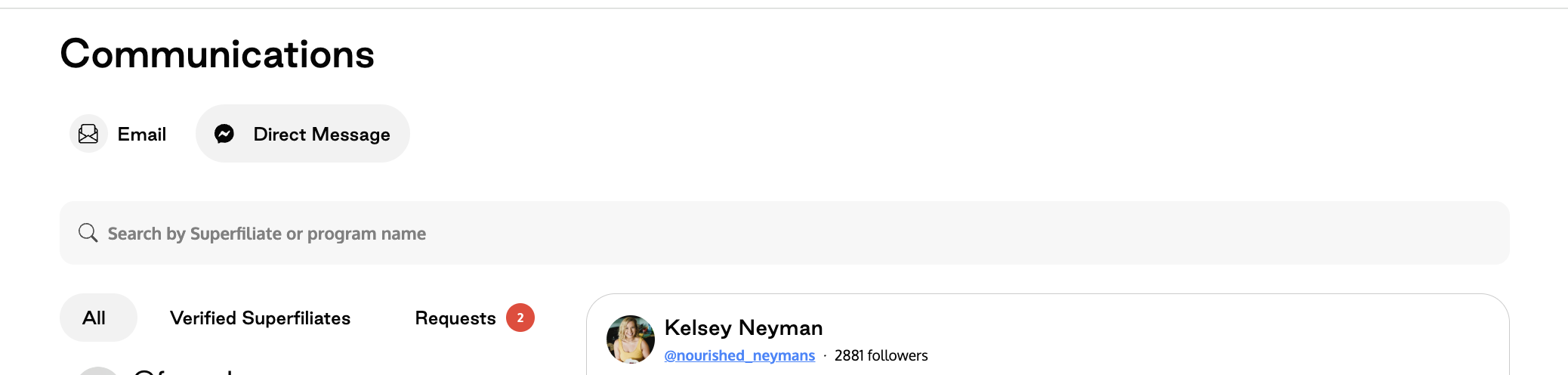
DMs are available several places within the platform, including Management>Communications>Direct Messages, where you can see and respond to DMs filtered by your standard inbox and those that are Verified Superfiliates (the handles are associated to enrolled Superfiliates)
You can also initiate an invite via DM directly from a piece of content in your UGC Library, by clicking "Invite to join program" when viewing
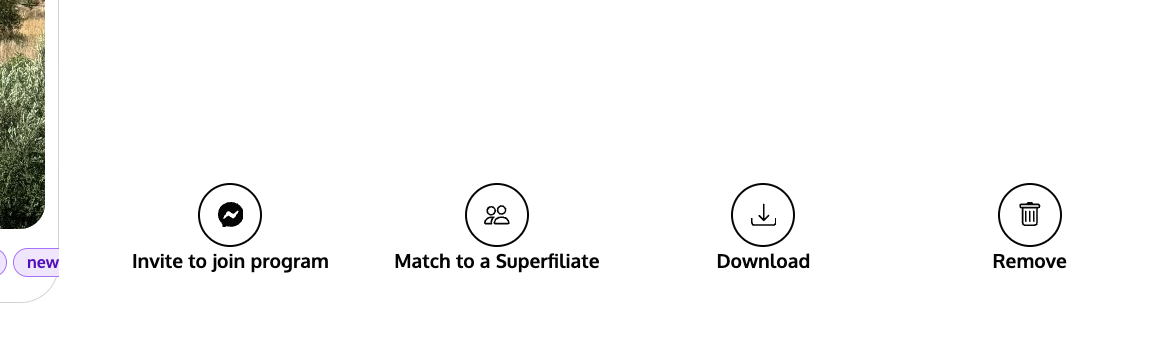
Similarly, if you see someone you'd like to reach out to via "Creator Discovery" who's tagged you, you'll have the option to invite them to a program via Instagram DM as well.
One off communication touch points can be helpful, especially when you're trying to build rapport with an important partner; however, where the Instagram DM integration really shines is when you pair it with Automations. Using Automations, you can do things like, automatically:
Invite people to join via DM as soon as they reply to your stories or comment on a post about the program with a specific word or phrase (with additional filters for follower count)
Send newly enrolled Superfiliates a DM once they've been accepted into the program
Send the SignUp form via DM to people tagging your brand in their content who are between a specific follower range