Postscript Integration - SMS
Last updated: December 24, 2024
In order to successfully integrate Postscript as your SMS provider, you'll need to generate a private API Key inside Postcript.
Setting Up Your Private API Key
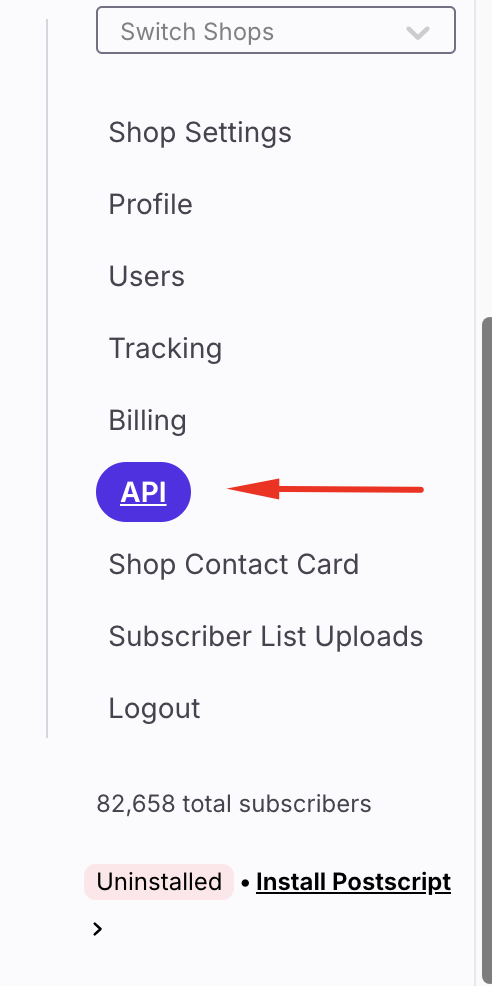
First click on the Settings tab in the sidebar, then select "API"
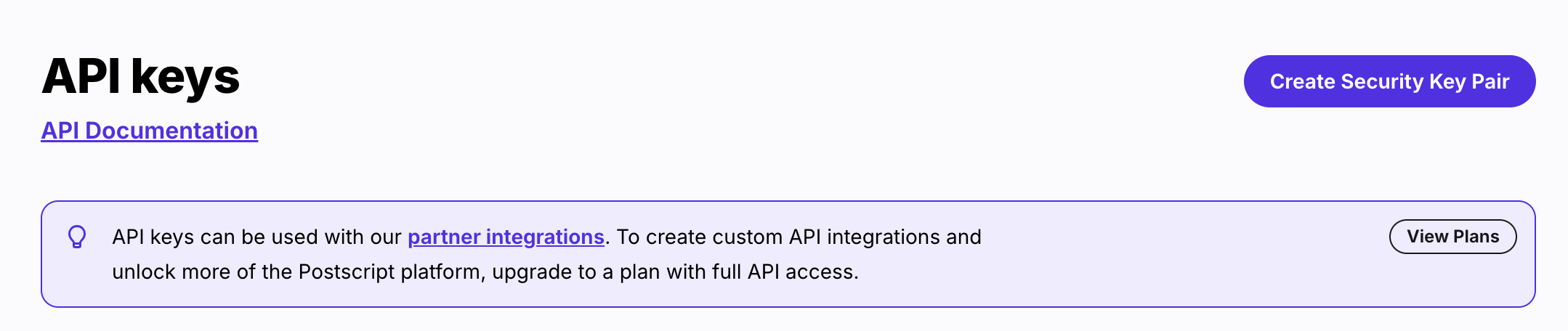
After that, on the top right corner, click on "Create a Security Key Pair" to create a new key
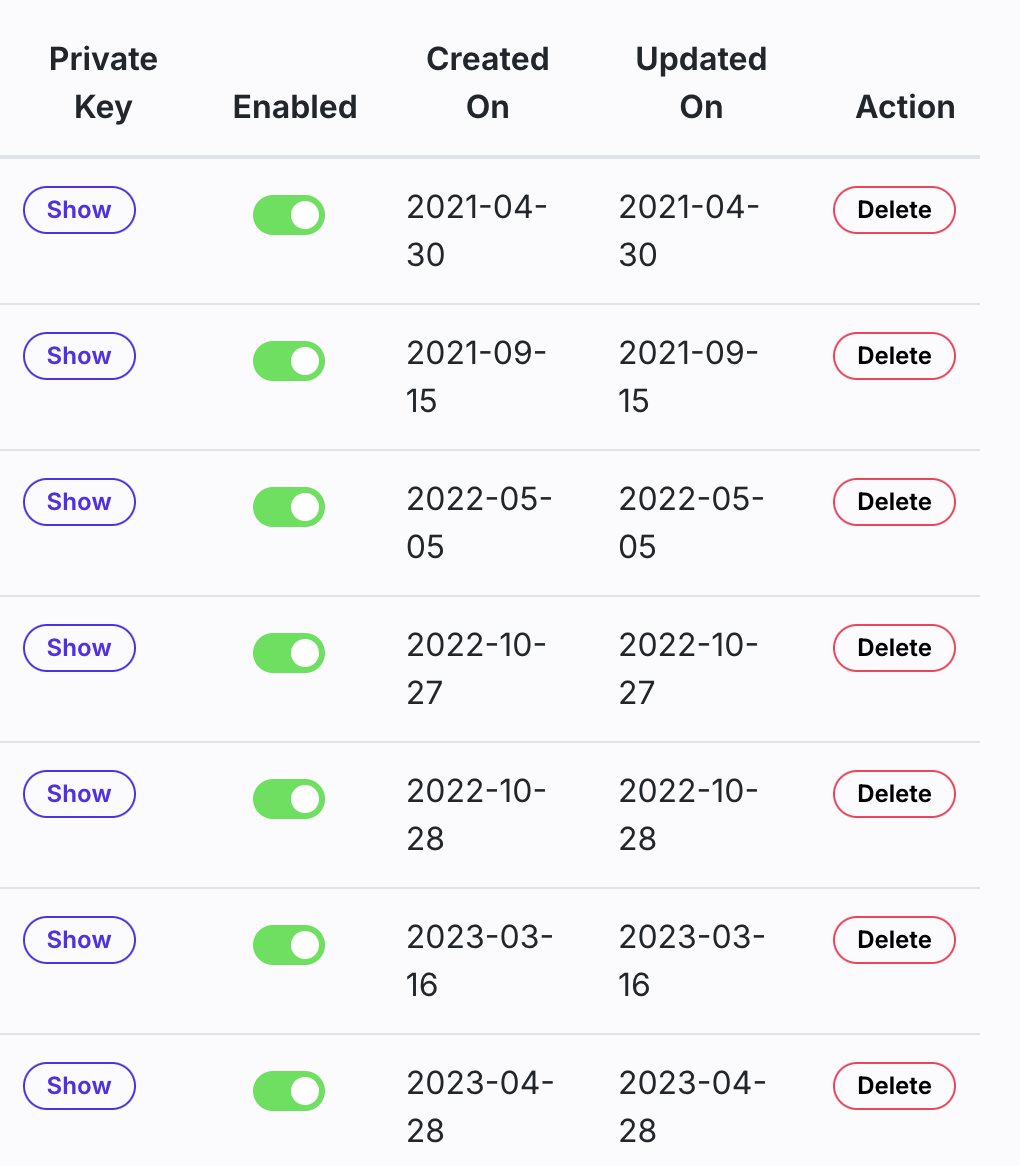
A new key will be added on the bottom of the list.
Add a label name on that key and click on the "Show" toggle in the Private Key column to see the private key.
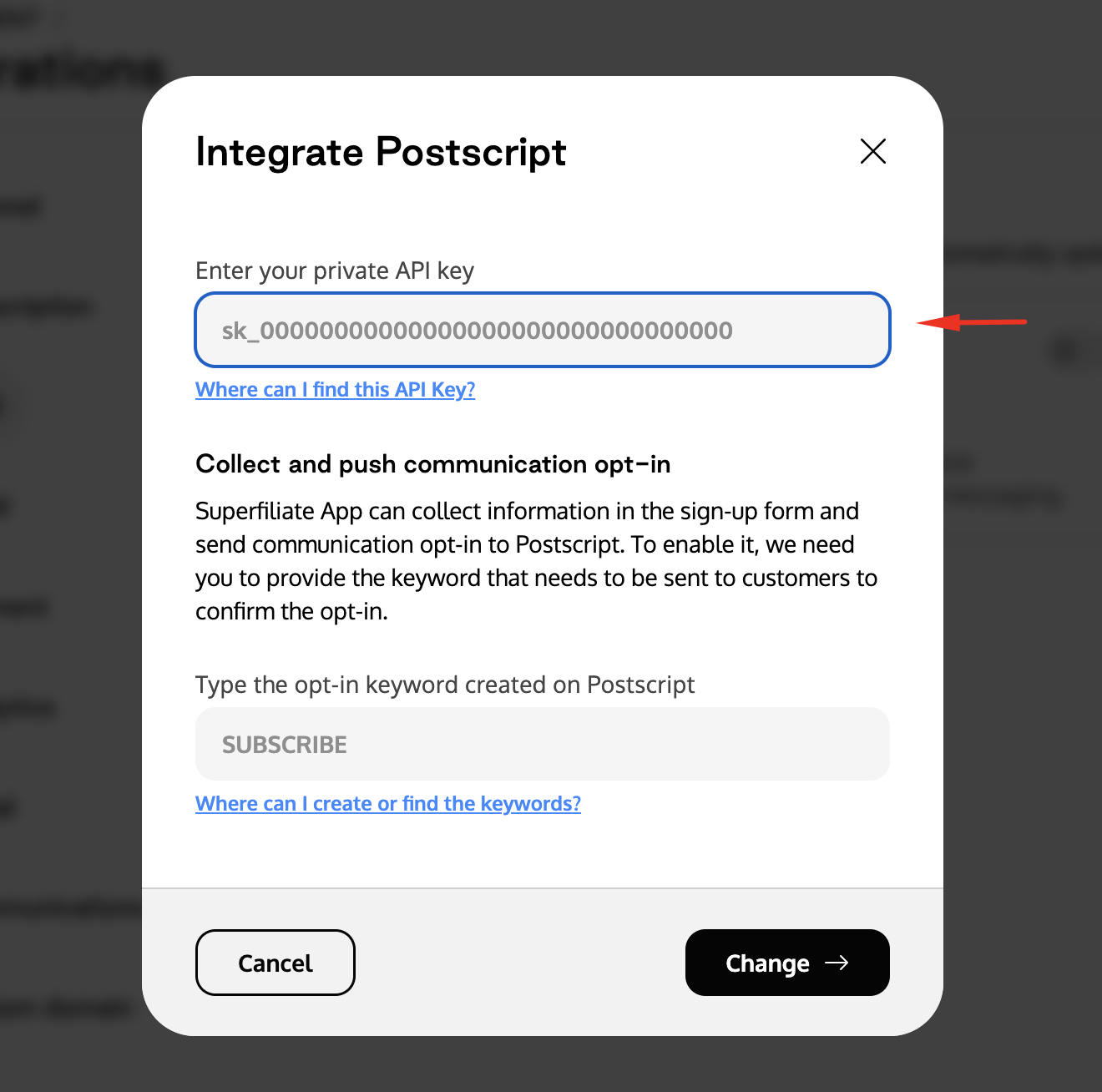
After that, all you need to do is click on the integration modal inside Superfiliate and paste the Private API Key information that you just copied:
Setting up the Opt-in Keyword on Postcript
To create an opt-in keyword on Postscript, all you have to do is to click on the "Acquisition" tab on the sidebar and go into the "Keywords" section
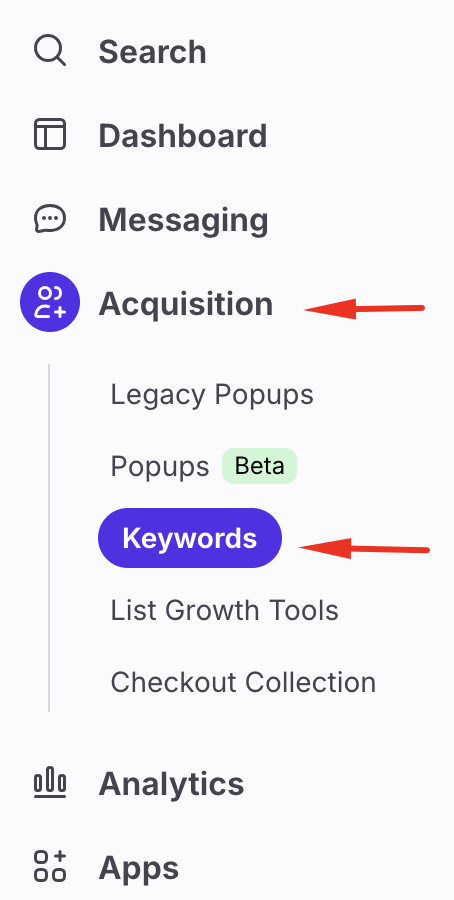
After that you will create the keyword and mark it as active. Once you have finished the set up on Postcript you can copy it and paste it in Superfiliate - Postscript has a dedicated article with more information about Keywords that you can review here.