Edit Your Superfiliate's Contact Information
Last updated: September 10, 2025
To access an individual Superfiliate's profile, you can find them in both Management>Superfiliates or the Superfiliates section of the individual Program they're in, and scrolling to the right to click "View".
You have many different areas to edit inside a Superfiliate profile as an Admin, such as their current balance, social handles, email, name, Paypal email address etc.
Once on their profile, you can quickly edit name, email address and profile picture by clicking on the three dots at the top right corner of your affiliate's profile.
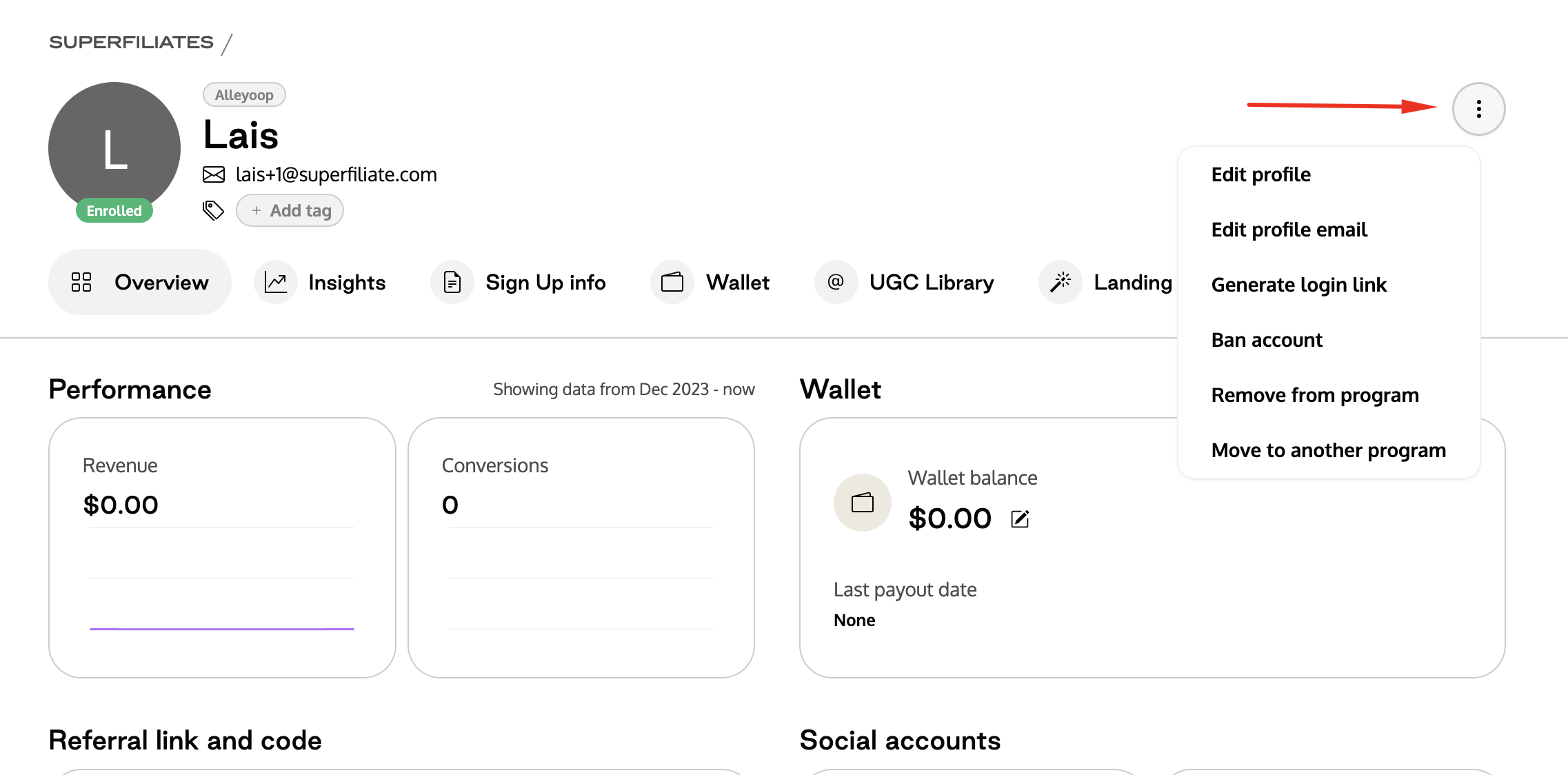
After that, you can click on "edit profile" if you'd like to edit their first or last name, or add a profile picture of them. You can also click on "edit profile email" if you want to change their email information.
Note 1: If you change the Superfiliate's name, it will no longer sync with Shopify. But it will not affect anything on the commission or attribution. The only difference is that the name in Superfiliate will be different than what is shown in Shopify
Note 2: If you change a Superfiliate's email address, the new email will be used when they access their portal link, so make sure to let them know
Here's how you can edit this information in a Superfiliate's profile:
Note 3: If you get an error when attempting to update a Superfiliate's email that the email address belongs to an existing contact, but you can't find a duplicate within your account, try looking in Management>Superfiliates>All, as the email may be in use by a contact that’s not currently enrolled in a program (like someone you removed from a program or even your own shoppers, who also get synced with your Superfiliate account).
Note 4: To update a Superfiliate's phone number, you must do so inside Shopify