How to Customize a Landing Page for Each Affiliate
Last updated: November 17, 2025
Superfiliate allows you to fully personalize the co-branded landing page of each affiliate.
This customization can be done internally by the brand (inside the Superfiliate app) and also by the affiliates themselves inside their portal.
If you want to share instructions with your affiliates, you can direct them to this guide: Customizing your profile.
Customizing an Affiliate’s Landing Page Inside the Superfiliate App (Brand View)
Step 1 — Open the Affiliate Profile
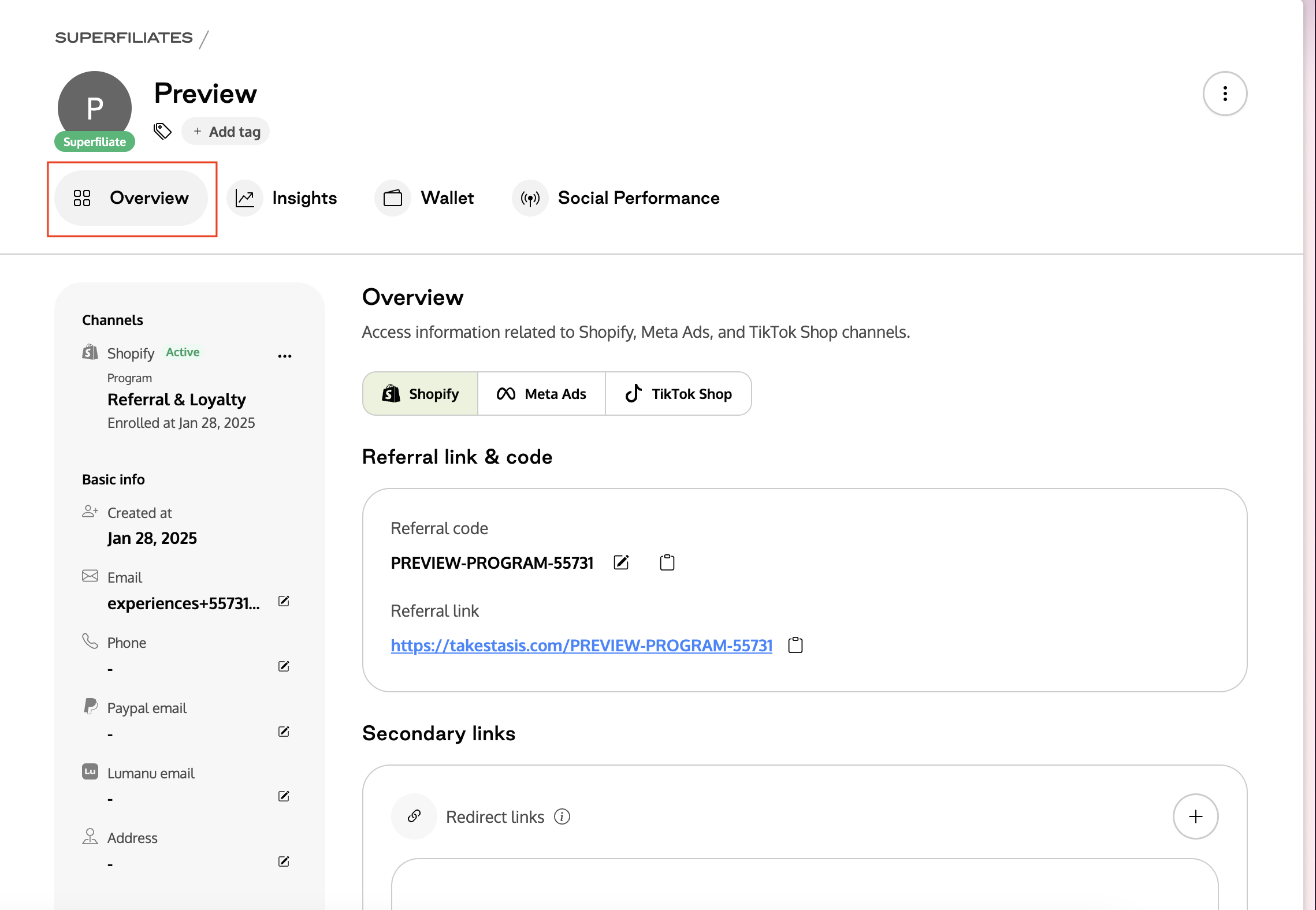
Inside your Superfiliate app, navigate to Affiliates and open the profile of the affiliate whose landing page you want to customize.
Step 2 — Access the Co-branded Landing Page Settings
Inside the affiliate’s Overview tab, scroll until you find the section: Co-branded Landing Page
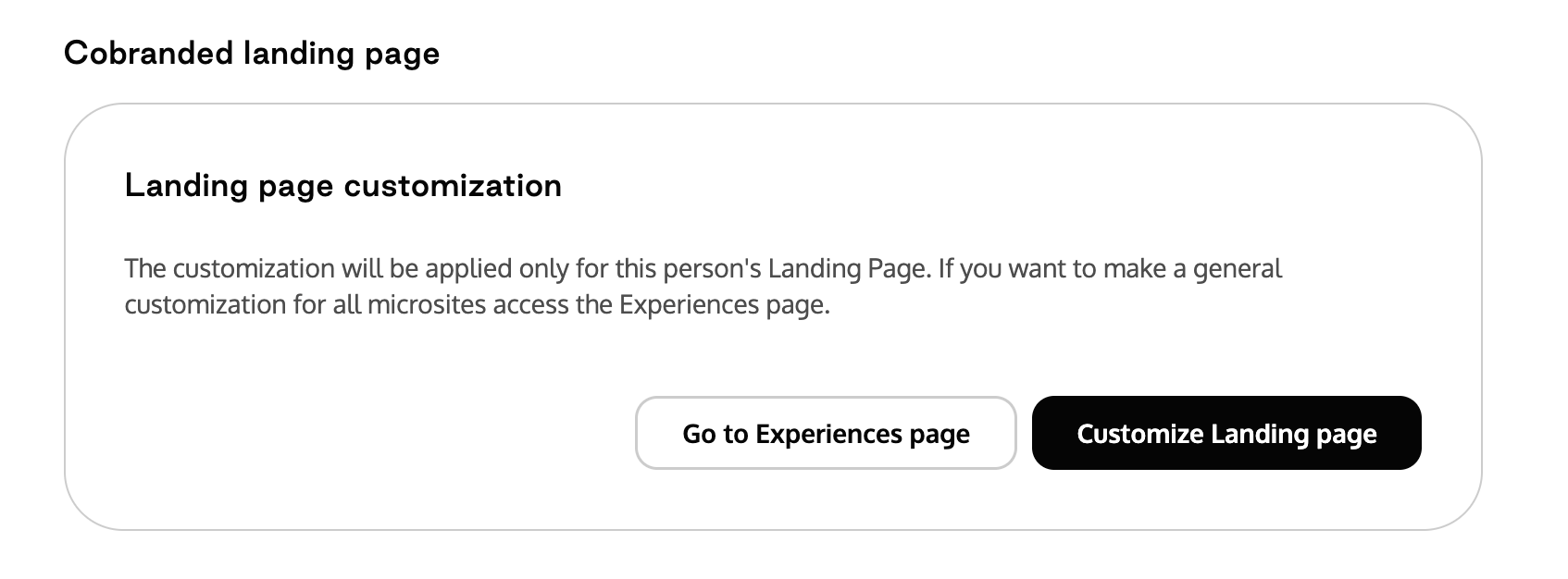
Click Customize Landing Page.
Step 3 — Personalize the Landing Page
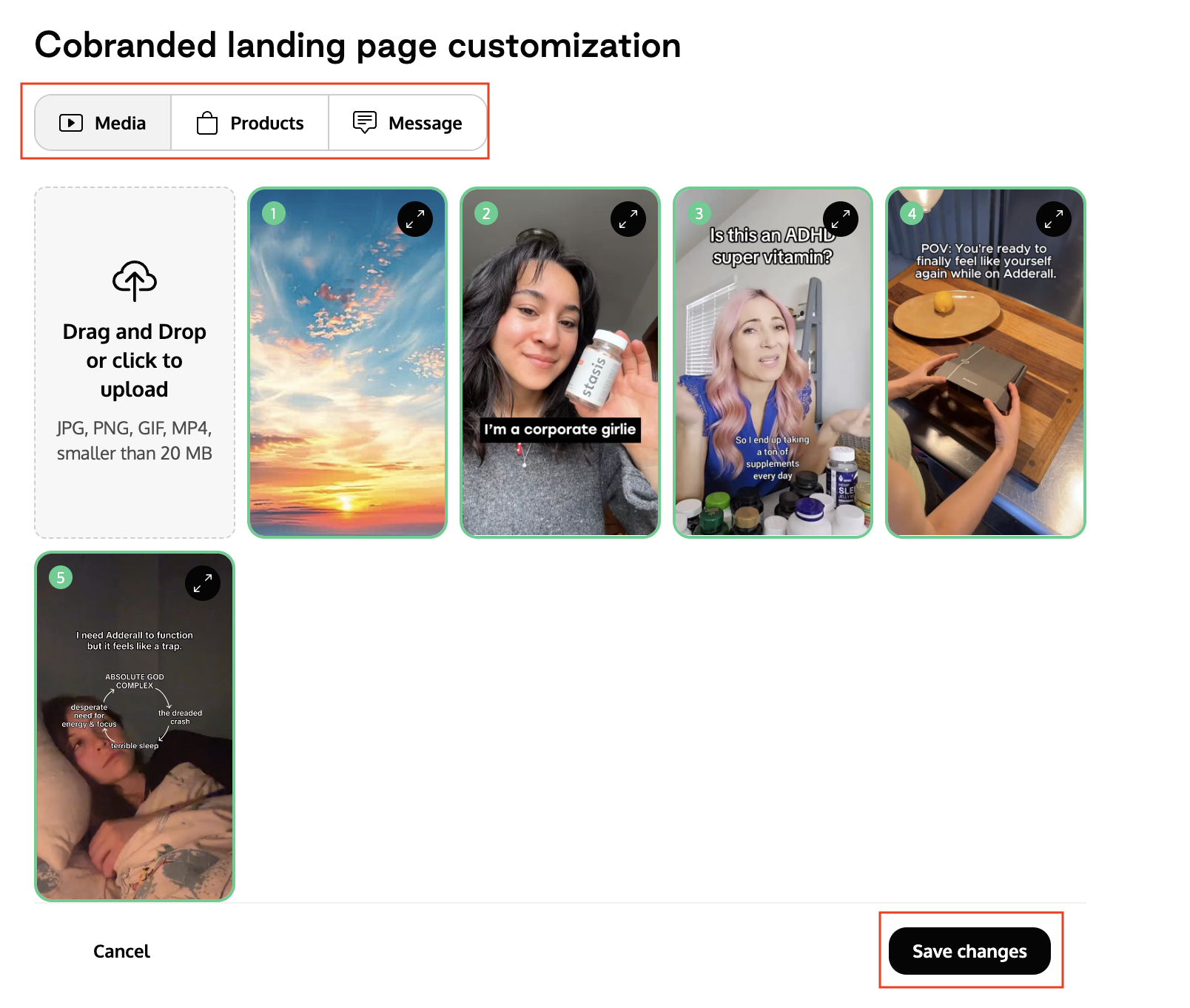
On the customization screen, you can:
Add media assets (photos or videos) to highlight the creator
Select which products should appear on this creator’s landing page
Add a custom message or note that will appear at the top of the page
After making any changes, click Save Changes.