Rewards & Wallet Balance
Last updated: May 28, 2025
Earning Rewards 🤝
You’ll earn rewards — both product gifts and cash or store credit commission — by referring your community to place orders via your link and code.
Checking Your Balance 👀
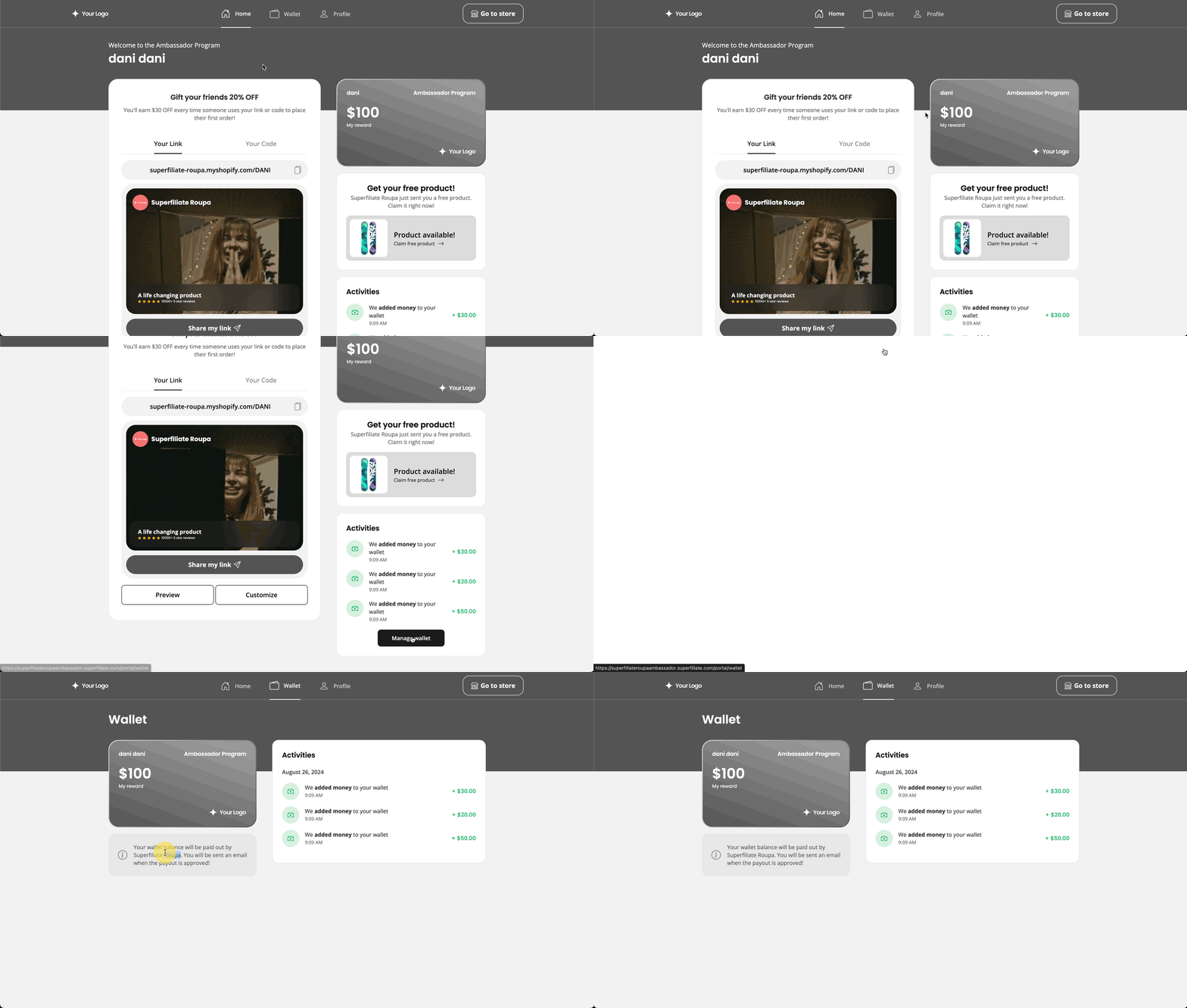
You can view your balance and account activities in your "Wallet”
It will show any manual additions by the brand, as well as commission earned through purchases that have been made through your link or code.
Getting Paid Out 💸
The brand you are working with will pay out earned commission on the cadence they've agreed to with you. Typically this may be monthly or bi-weekly, but is up to each brand's individual discretion and program terms. If a brand is paying through Superfiliate, you may be asked to update your PayPal email within your Portal, or you may receive an email via Tremendous when a payment has been processed. Superfiliate does not handle commission payments directly.
Redeeming Gifts 🎁
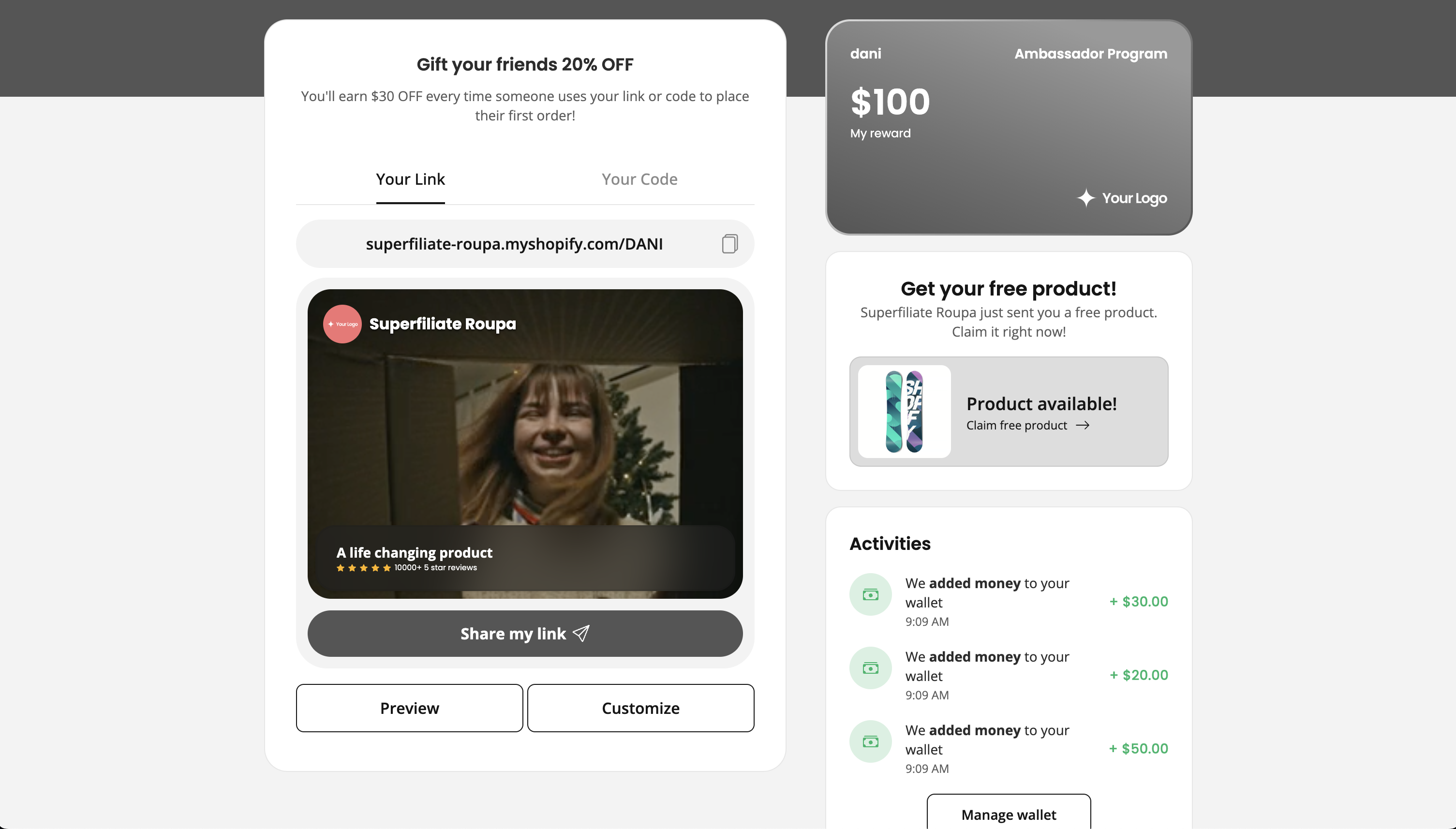
Some brands may offer milestone-based or seeding gifts to creators. You’ll be able to claim them on the home page within your portal on the right-hand side, above the Activities section, when you're eligible.
Redeeming Store Credit
Sign into your portal using the email address you signed up for the program with
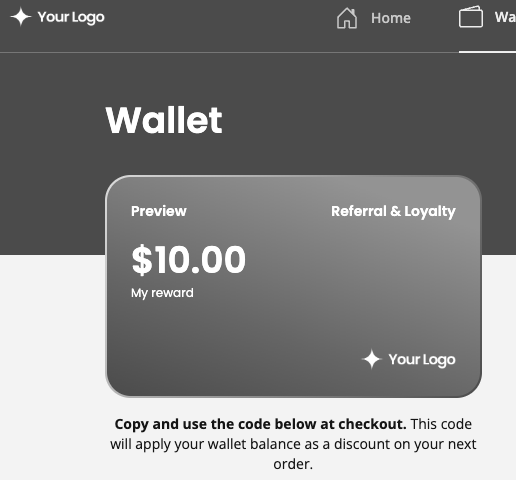
Navigate to the "Wallet" section
Below the wallet icon, you'll see a code you can copy and paste to use at checkout (like a discount code) to redeem your earned store credit
You’re all set! Now you’re ready to share and start earning rewards.