How to Edit and Turn On Automations
Last updated: August 27, 2025
Editing Draft Automations
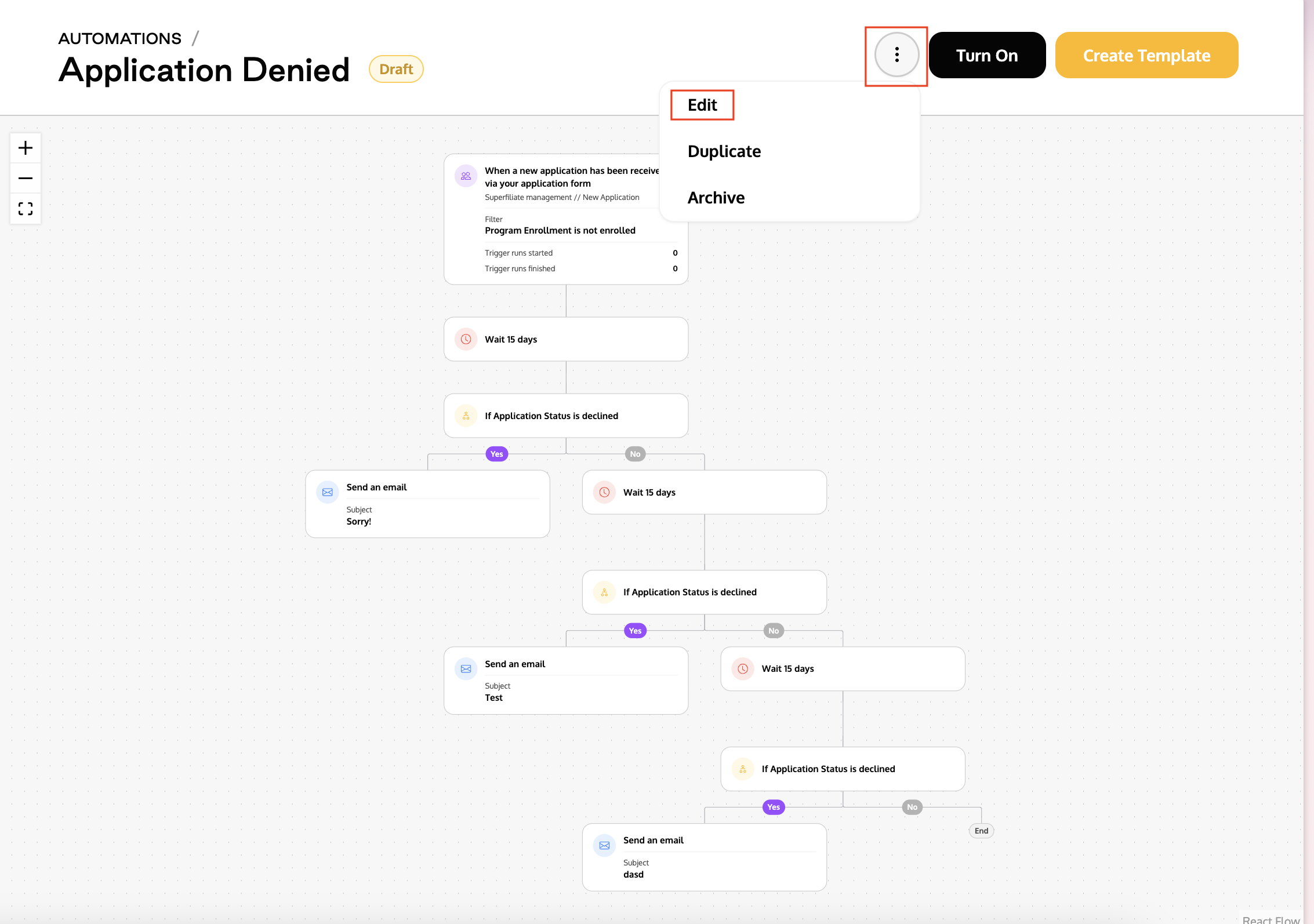
Select the automation you want to edit.
Click the three dots next to the automation name and choose Edit.
Make the desired changes and save the automation.
Click Turn On to activate it.
Editing Active Automations
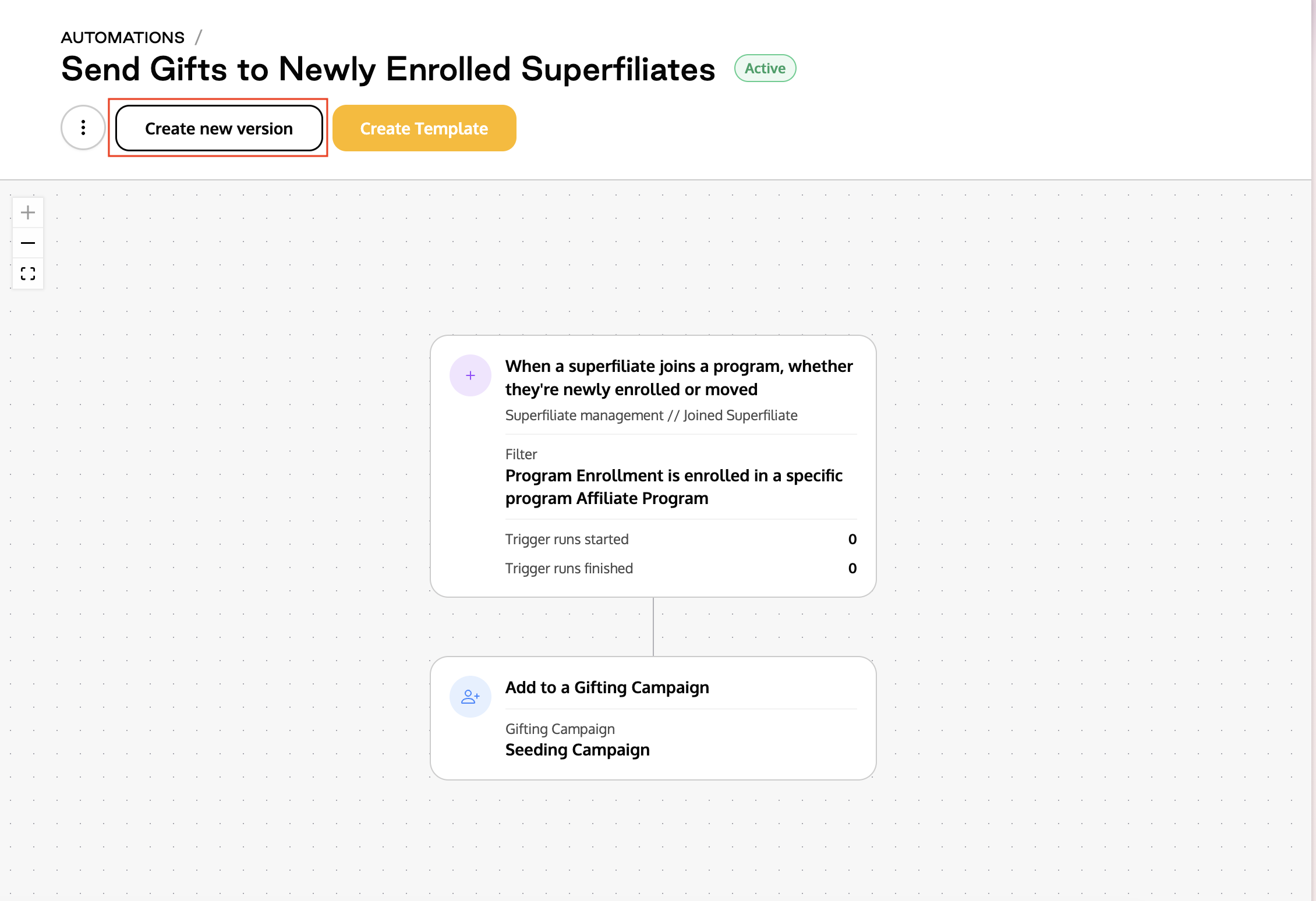
Click Create New Version.
Important: Creating a new version will permanently stop the flow of the previous version.Edit as needed and save the automation.
Click Turn On to reactivate it.
For any automation to run, it must be Turned On. Automations labeled as Draft are not active.