Subscription Provider Integration
Last updated: October 8, 2026
To connect your subscription provider, go to Settings > Integrations in the top bar menu, then pick your provider and finish setup in the app.
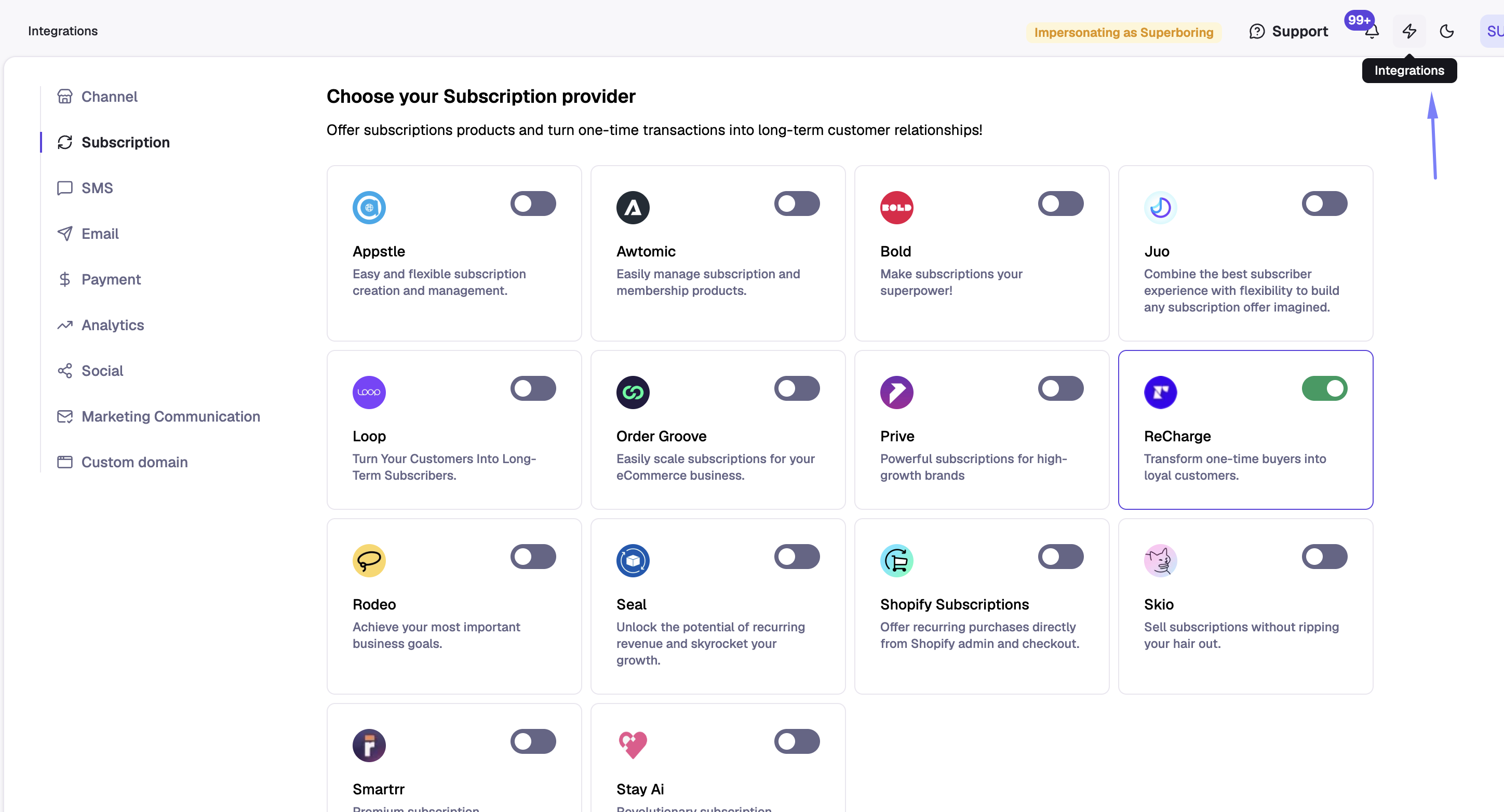
After that, you'll be able to select your subscription provider and complete the integration within the app.
Subscription apps we integrate with
Appstle
Awtomic
Bold
Juo
Loop
Ordergroove
Prive
Recharge
Rodeo
Seal
Shopify Subscriptions
Skio
Smartrr
Stay AI
Recharge and Skio need an API key to connect. All other providers connect by turning on the toggle.
Recharge
To connect Recharge, generate an API key in your Recharge account and paste it into Superfiliate.
Skio
To connect Skio, you need a Skio API key. Superfiliate uses it to keep tracking subscription renewals when a customer changes products on their subscription.
In Skio, go to API & Integrations > API and create an API key. Skio’s guide: https://help.skio.com/docs/using-the-skio-api
In Superfiliate, go to Settings > Integrations and click Skio.
In the Connect Skio window, paste the key into Skio API key and click Connect Skio.
Superfiliate checks the key when you click Connect. If it works, the Skio card says “Subscription renewal tracking is connected.”
Already using Skio with Superfiliate? Your Skio card will say “Add your API key to track renewals after product changes.” Click Connect Skio and add your key using the steps above.
Changing your key: Click Update API key on the Skio card, paste the new key, and save.
Switching from another provider: When you connect Skio, it replaces your current subscription provider. A warning shows before you confirm.
Troubleshooting
“Enter your Skio API key to connect.” The key field was empty. Paste the key and try again.
“This API key could not connect to Skio. Check the key in Skio and try again.” Skio rejected the key. Check that you copied the whole key and that it is still active in Skio, or create a new one.
“Skio could not validate your key right now. Try again in a few minutes.” Skio did not respond. Wait a few minutes and try again.
“API connection paused. Reconnect to resume renewal tracking.” We have a key saved, but renewal tracking is not running. Click Connect Skio and enter a working key again.
Disconnecting Skio stops renewal tracking for customers who change products. Your referral history is kept.