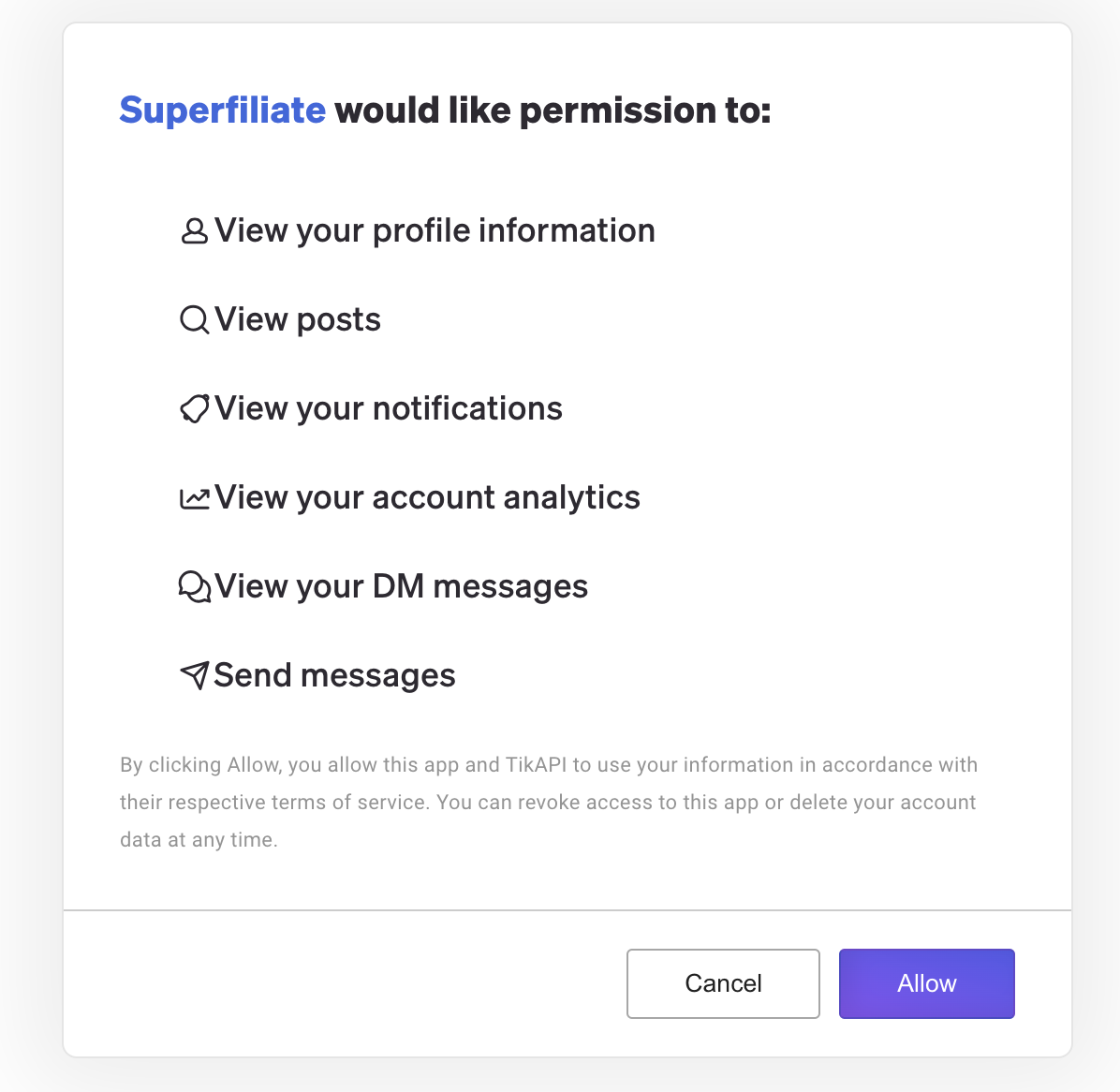
TikTok Integration
Last updated: August 27, 2025
Step 1: Access the Integration Settings
Go to your Superfiliate account settings
Navigate to Integrations > Socials > TikTok
Step 2: Connect with TikTok API
You’ll be redirected to the official TikTok API page.
On this page, you must agree with the TikAPI Terms of Service.
Once confirmed, generate the QR code
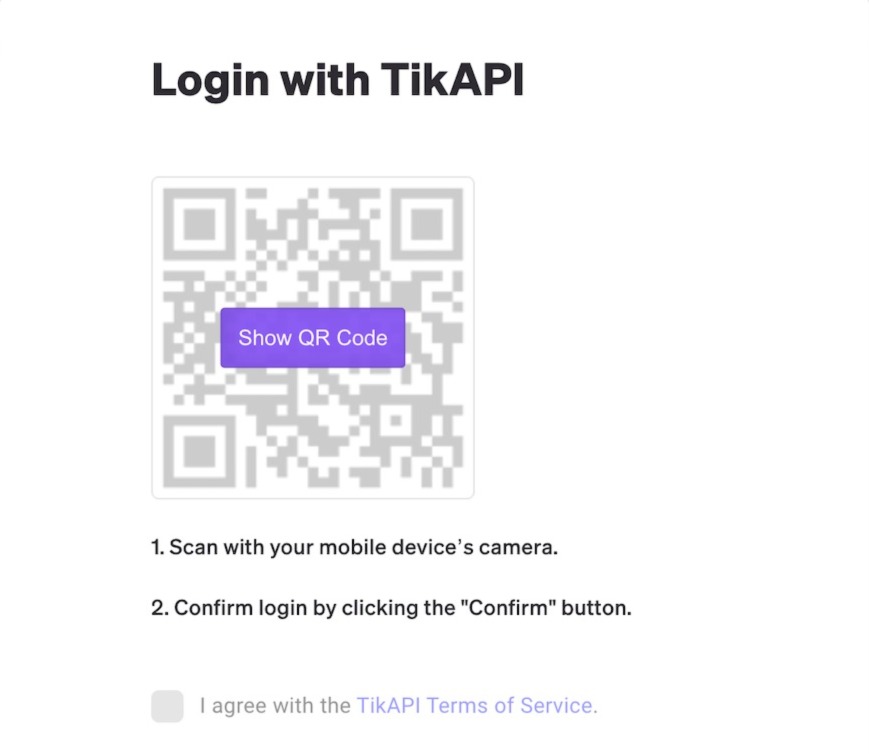
Step 3: Scan the QR Code in TikTok App
Open the TikTok app on a device logged in with the account you want to integrate.
Use the app to scan the QR code.
You’ll be redirected inside TikTok, where you need to allow the integration.
Step 4: Grant Permissions
Return to the TikTok API page where the QR code was generated.
Authorize the requested permissions to complete the integration.