How Creators Tag Videos to Your Campaign
Last updated: December 16, 2025
Superfiliate uses YouTube’s paid partnership tagging to connect creator videos to campaigns and unlock performance insights for brands.
How it works
You add creators to a YouTube campaign on Superfiliate.
You share your Campaign Code with the creator.
The creator tags your brand and campaign when publishing a video, or updates an already published video.
Once the tag is approved, Superfiliate can access non-public performance data for that video.
What brands need to do
As a brand, your role is to set up the campaign and guide creators through the tagging process.
Share the appropriate step-by-step guide with creators based on their situation:
Important
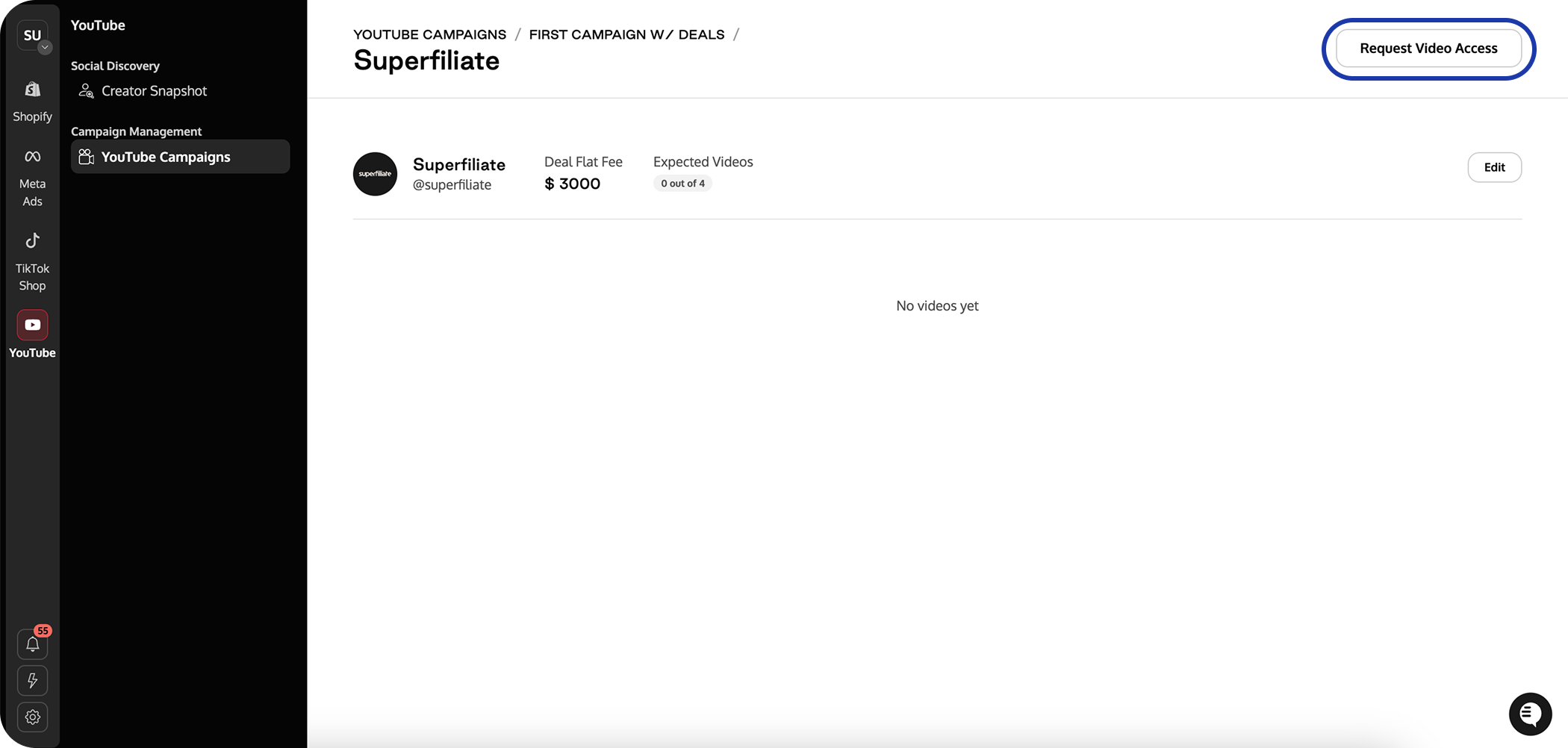
If the video is already published, go to the creator’s details within the campaign and select Request Video Access to start the permission flow.