What is the Ads Management feature?
Last updated: January 19, 2026
Overview
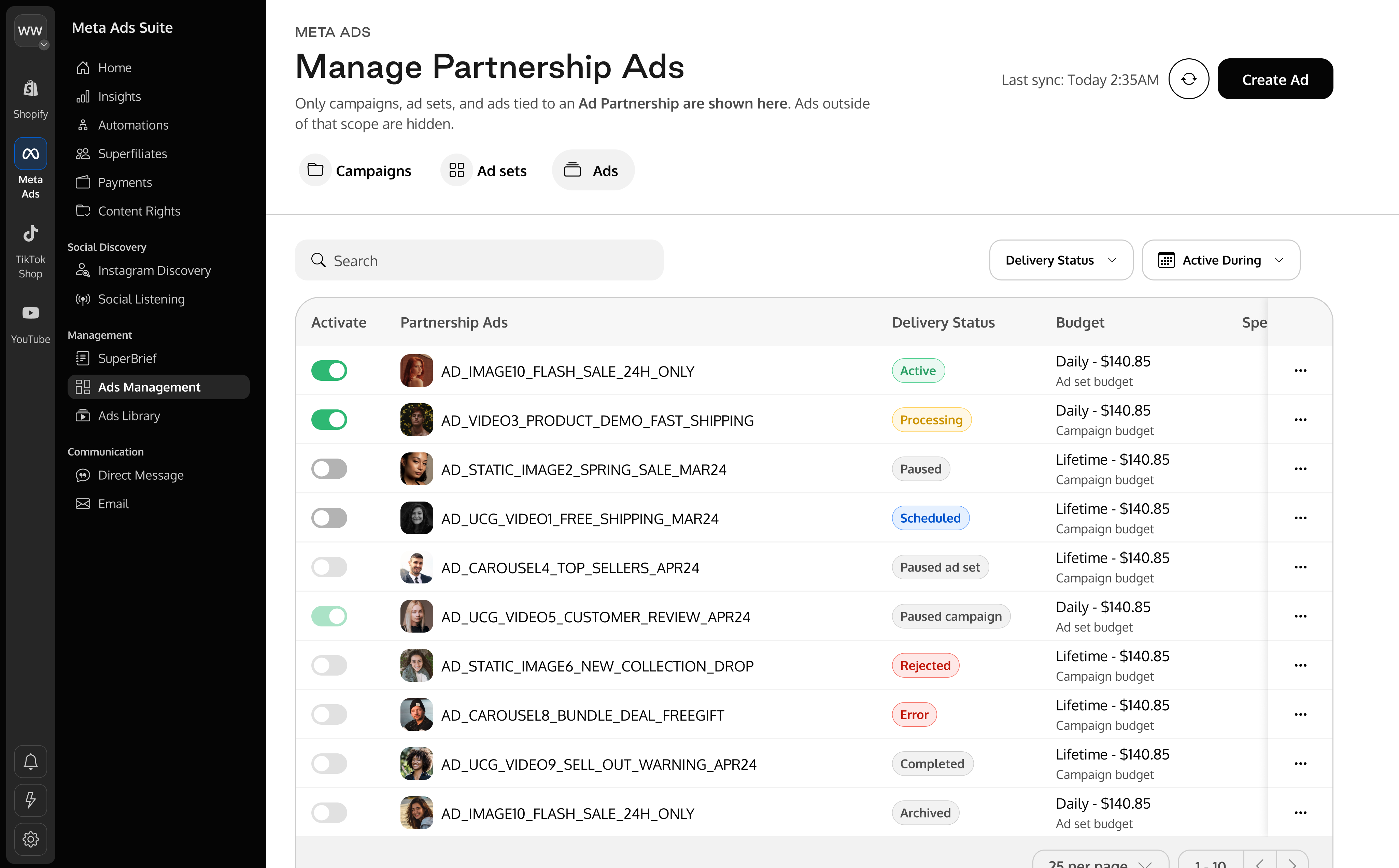
Ads Management provides a centralized interface for viewing and managing Meta ad Campaigns, Ad Sets, and ads associated with an Ad Partnership. It allows you to perform the most common management actions without leaving Superfiliate.
Use this feature when you want to:
View campaigns, ad sets, and ads tied to Ad Partnerships
Create campaigns, ad sets, and partnership ads
Pause or activate campaigns, ad sets, or ads
Edit campaign and ad set configuration
Edit ads
Archive campaigns, ad sets, or ads
In this article, you will learn:
How to access and navigate Ads Management
What Ads Management can be used for
General limitations and visibility rules
Requirements
Make sure that:
The advertiser’s Meta account is connected through Superfiliate
The campaigns, ad sets, or ads you want to manage are tied to an Ad Partnership
Important limitations
Only partnership-scoped items are visible. If something is not tied to an Ad Partnership, it will not appear in Ads Management.
Changes made directly in Meta Ads Manager are not synchronized instantly.
To see these updates reflected immediately in Superfiliate Ads Management, you must manually click the sync button.
Automatic refreshes occur periodically throughout the day.

Step-by-step
1. Accessing Ads Management
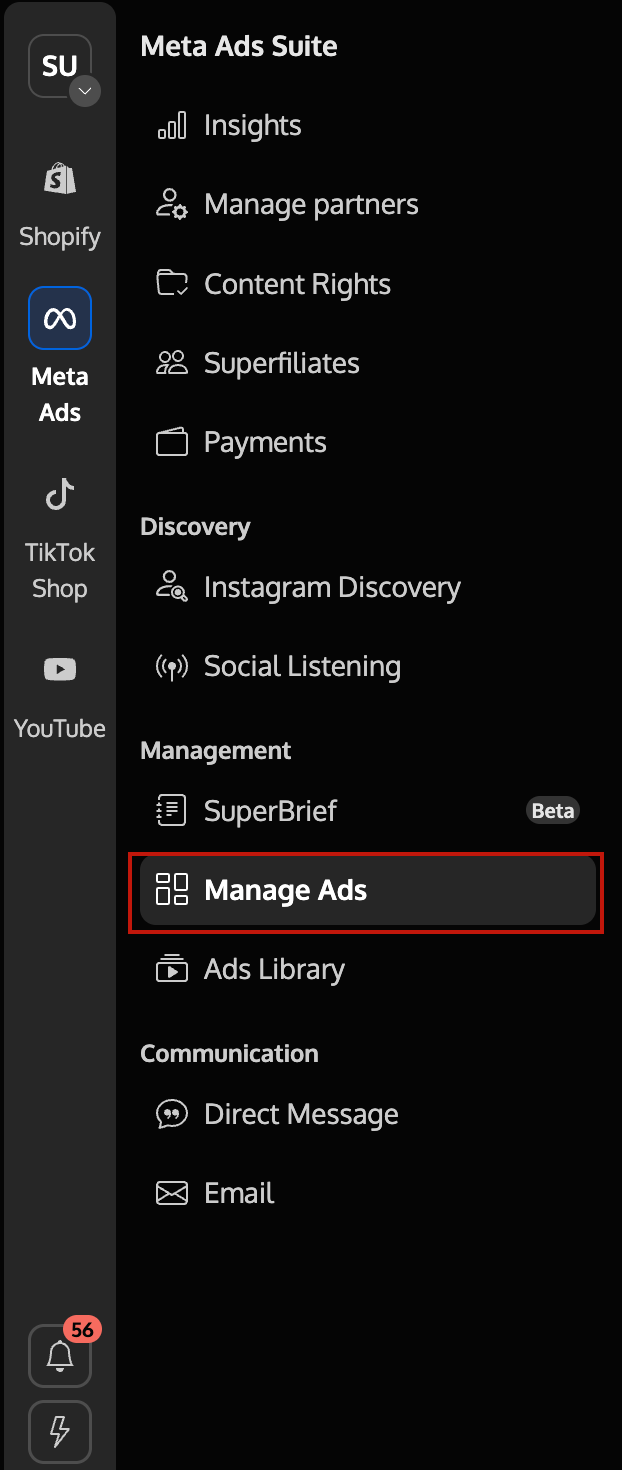
Open Meta Ads > Manage Ads from the left navigation.
2. Navigating between items
Ads Management supports two ways of navigating campaigns, ad sets, and ads:
Tab-based navigation
Use the Campaigns, Ad sets, and Ads tabs to view all available items.
Apply filters to refine the list (for example, by status or name).

Hierarchy-based navigation
Click a Campaign to view only the ad sets that belong to that campaign.
Click an Ad set to view only the ads that belong to that ad set.
This allows you to move from a high-level view to more specific items.
3. Actions on individual items
Each campaign, ad set, and ad row includes:
An Activate / Pause toggle
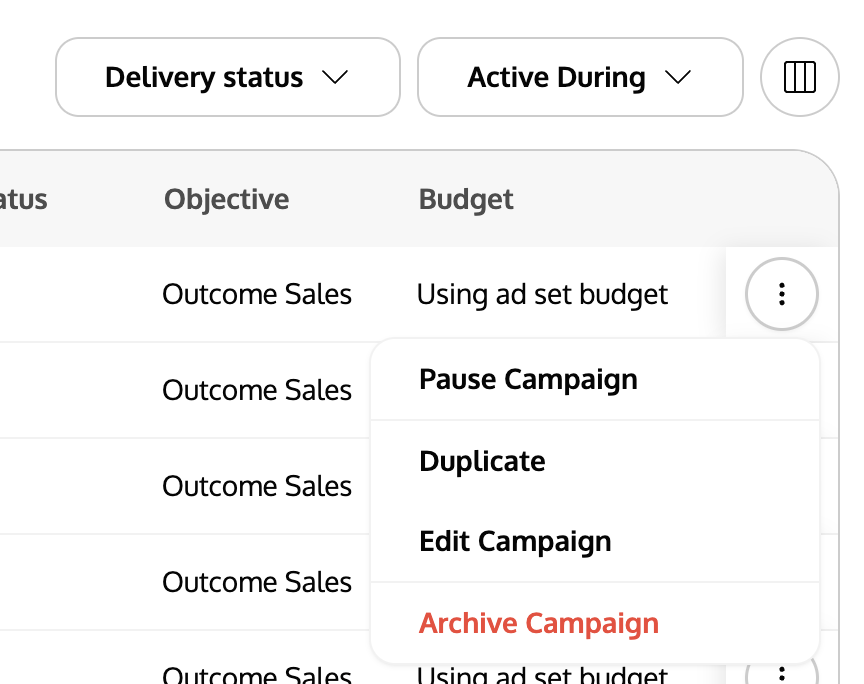
A three-dot menu (· · ·) with additional actions (such as Edit, Duplicate, or Archive)
Actions taken on an item apply only to that specific campaign, ad set, or ad.
Frequently Asked Questions (FAQ)
Q1. Why don’t I see all my Meta campaigns/ad sets/ads here?
A. Ads Management shows only items tied to an Ad Partnership. Anything outside that scope is hidden.
Q2. Where do I manage campaign and ad set configuration in detail?
A. See Ads Management - How to edit Campaigns and Ad Sets?
Q3. Where do I duplicate campaigns, ad sets, or ads?
A. See Ads Management - How to duplicate Campaigns, Ad Sets and Ads?
Q4. Where do I edit ad creatives (text, media, URLs)?
A. Use Ads Editing. Creative edits follow Meta eligibility rules.