Ads Management - Placement groups in Superfiliate
Last updated: January 19, 2026
Superfiliate uses placement groups to keep your ads consistent across Meta placements.
When you create or edit an ad, the creative you choose for a placement group is applied to all placements inside that group.
This makes it easier to manage ads at scale, but it also means Superfiliate doesn’t support editing ads that use placement-specific creative variations (like different crops or aspect ratios for individual placements).
How placement groups work
When creating an ad
When you select a placement group, Superfiliate applies the same media and creative settings to every placement included in that group.
When editing an ad
Edits (like changing media, text, or destination URL) are also applied at the placement group level.
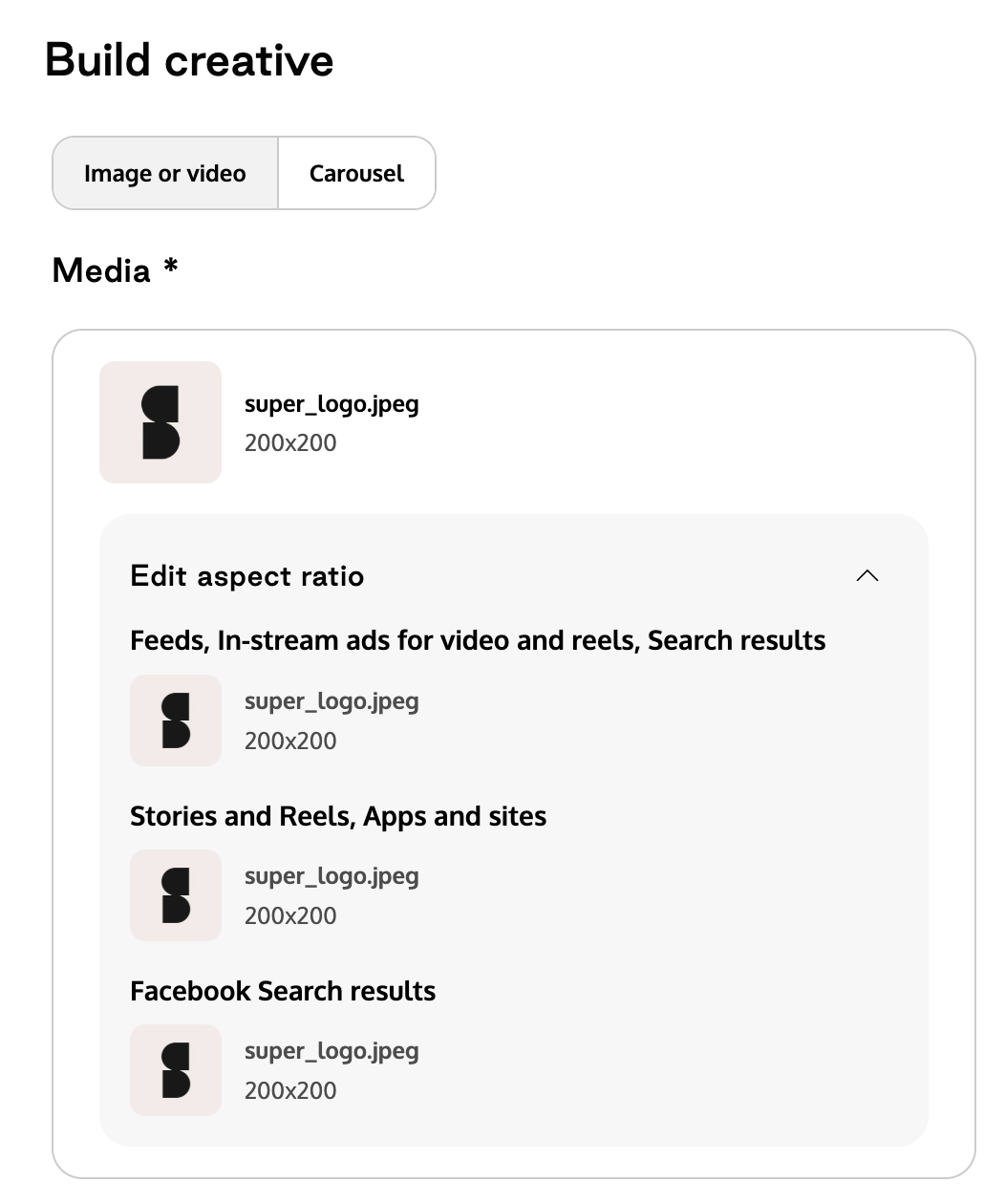
Supported placement groups in Superfiliate
Feeds
Facebook Feed
Facebook Business Discover Feed
Facebook Reels Overlay
Facebook Profile Feed
Facebook Notifications
Facebook Video Feeds
Facebook In-stream Video
Facebook Marketplace
Instagram Feed
Instagram Explore
Instagram Explore Home
Instagram Profile Feed
Instagram Search Results
Messenger Home
Threads Feed
Search results
Facebook Right Column
Facebook Search Results
Stories and Reels, Apps and sites
Any placement not listed above falls under this group.